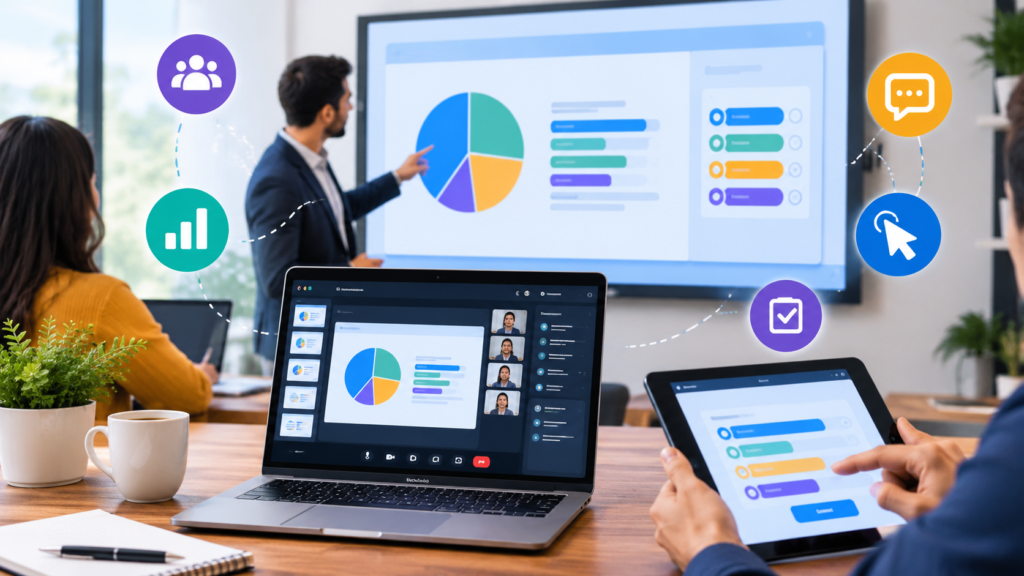

Presentations are an important part of education, business meetings, training sessions, and online events. However, simply displaying slides is not always enough to keep an audience interested. People are more likely to pay attention when they can participate, answer questions, share opinions, and interact with the content.
This is why interactive presentation tools have become increasingly useful. They allow presenters to turn traditional slides into engaging experiences through polls, quizzes, live questions, surveys, videos, and other interactive features.
With so many options available, choosing the right tool can sometimes be difficult. The best choice depends on your audience, presentation goals, budget, and the type of interaction you want to create.
What Are Interactive Presentation Tools?
Interactive presentation tools are digital platforms that allow presenters and audiences to communicate during a presentation. Instead of making a presentation a one-way flow of information, these tools encourage participants to become part of the experience.
For example, a teacher can use a live quiz to test students’ knowledge, while a business presenter can use a poll to collect feedback from employees or customers.
Some tools also support features such as live Q&A, word clouds, collaborative activities, animations, and audience voting. These features can make presentations more dynamic and easier to follow.
Why Choosing the Right Tool Matters
Not every presentation requires the same features. A tool that works well for a classroom may not be the best option for a large business conference.
Choosing the right platform can help you achieve your presentation goals without making the experience unnecessarily complicated.
A good interactive presentation tool should be easy for both presenters and participants to use. It should also provide the features you actually need rather than overwhelming users with unnecessary functions.
Before selecting a tool, consider how you plan to use it and what you want your audience to do during the presentation.
1. Consider Your Presentation Goals
The first step is to identify the main purpose of your presentation.
Are you trying to educate students, train employees, collect feedback, present a business proposal, or host an online event?
If your goal is education, features such as quizzes and knowledge checks may be particularly important. For business meetings, live polls and Q&A features might be more useful.
Understanding your goals makes it easier to narrow down your options.
2. Look for Audience Interaction Features
The main reason to choose interactive presentation tools is to encourage audience participation.
Therefore, you should carefully examine the interaction features available on each platform.
Useful features can include:
- Live polls
- Audience questions
- Quizzes
- Surveys
- Voting
- Word clouds
- Live feedback
- Interactive charts
- Collaborative activities
Think about which features your audience will actually use. A platform with dozens of features is not necessarily better if you only need two or three of them.
3. Check Ease of Use
A powerful tool is not useful if it is difficult to operate.
Presenters should be able to create presentations, add interactive elements, and manage audience responses without spending hours learning complicated software.
Participants should also be able to join activities easily. If they need to create multiple accounts or install complicated software, some people may choose not to participate.
Look for platforms with simple interfaces and straightforward participation methods.
4. Consider Device Compatibility
Your audience may use different devices during a presentation. Some participants may have laptops, while others may use smartphones or tablets.
Before choosing a tool, check whether it works across common devices and operating systems.
Browser-based platforms can be particularly convenient because participants can often join using a link or access code without installing additional software.
Good device compatibility can reduce technical problems and make participation easier.
5. Evaluate Presentation Design Options
Interaction is important, but presentation design also matters.
A good platform should allow you to create visually appealing slides that support your message. Look for useful templates, layouts, images, charts, animations, and multimedia options.
However, avoid choosing a tool based entirely on appearance. A beautiful presentation is not necessarily effective if it lacks the interactive features your audience needs.
The best platform should provide a balance between visual design and audience engagement.
6. Check Integration With Other Tools
Many presenters already use other software for meetings, education, or business communication.
Before selecting a presentation platform, check whether it integrates with the tools you already use.
For example, integration with video-conferencing platforms can be useful for remote meetings. Integration with presentation software or learning platforms can also save time.
Good integration can make the overall workflow smoother and reduce the need to switch between multiple applications.
7. Consider Pricing and Available Plans
Budget is another important factor.
Some interactive presentation platforms offer free plans with basic features, while others require a paid subscription for advanced functions. Free versions can be useful for individuals, teachers, or small groups, but larger organizations may require additional features or higher audience limits.
Before purchasing a subscription, compare the available plans carefully.
Consider the number of participants allowed, available interaction features, presentation limits, analytics, and collaboration options.
The cheapest option is not always the best value. Instead, choose the platform that provides the features you actually need at a reasonable cost.
8. Look for Audience Analytics
If you regularly conduct training sessions, classes, or business presentations, analytics can be valuable.
Some tools provide information about audience participation, quiz responses, poll results, and other activities.
These insights can help presenters understand whether their content was effective.
For example, a teacher can review quiz results to identify topics that students did not understand. Similarly, a business presenter can analyze employee responses to understand opinions about a new idea or strategy.
9. Test the Platform Before Your Presentation
One of the most important steps is testing the tool before using it with a real audience.
Create a sample presentation and test every interactive feature you plan to use. Check how participants join, how questions appear, and how responses are displayed.
It is also useful to test the presentation on different devices if possible.
Testing can help identify technical problems before the actual event and give the presenter greater confidence.
Common Mistakes to Avoid
While interactive presentations can be highly effective, too much interaction can become distracting.
Avoid adding polls, quizzes, or animations simply because they are available. Every interactive element should have a clear purpose.
Another common mistake is using overly complicated activities. If participants cannot understand what they are supposed to do, engagement may decrease rather than improve.
Finally, do not forget the main message. Interactive features should support your presentation instead of becoming the entire focus.
Final Thoughts
Choosing the right interactive presentation tools depends on what you want to accomplish, who your audience is, and which features you need. A good platform should combine easy-to-use presentation design with meaningful opportunities for audience participation.
Before making a decision, consider interaction features, ease of use, device compatibility, integrations, pricing, analytics, and overall reliability.
Whether you are teaching a class, leading a business meeting, conducting employee training, or hosting an online event, the right interactive presentation platform can make your content more engaging and memorable.
The goal is not simply to make a presentation more complicated. It is to create a better experience where the audience can participate, respond, and become an active part of the presentation.